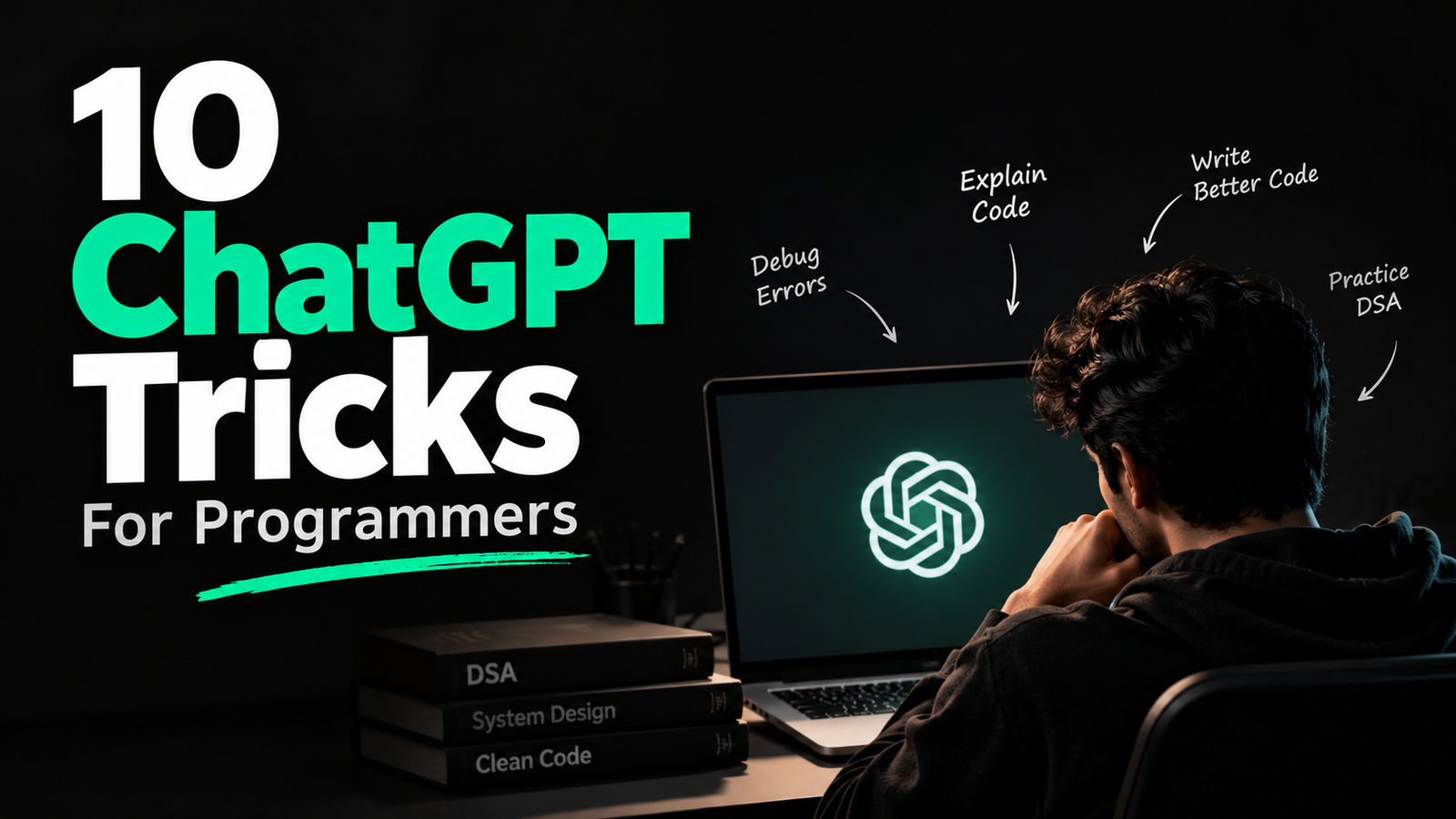
From debugging errors to understanding unfamiliar code, these ChatGPT tricks can help programmers write, review and understand code more effectively. ChatGPT can be more useful for programmers than simply generating code. With the right prompts, it can act as a debugger, code reviewer, learning assistant and technical interviewer.
Here are 10 practical ChatGPT tricks programmers can use.
1. Find Bugs Without Rewriting Your Code
Instead of asking ChatGPT to fix your entire program, ask it to identify the problem first.
Prompt:
“Review this code and identify the bugs. Don’t rewrite the code yet. Explain what is causing each error and give me a hint for fixing it.”
This helps you understand the problem instead of blindly copying a solution.
2. Explain Any Code Line by Line
Working with someone else’s code can be difficult. Paste the code and ask ChatGPT to break it down.
Prompt:
“Explain this code line by line in simple language. Explain what each function, variable and important statement is doing, and then summarize how the complete program works.”
3. Understand Error Messages
Getting a confusing compiler or runtime error? Give ChatGPT the error along with the relevant code.
Prompt:
“I’m getting this error: [paste error]. Explain what it means, why it is happening in this code and what I should check to fix it. Don’t assume anything that isn’t visible from the code.”
4. Improve Your Code Without Changing Its Behavior
ChatGPT can review code for readability and maintainability.
Prompt:
“Review this code for readability, maintainability and unnecessary complexity. Suggest improvements without changing the program’s behavior. Explain why each suggested change is useful.”
5. Find Edge Cases
Your code may work for normal inputs but fail in unusual situations.
Prompt:
“Analyze this function and list the edge cases that could cause incorrect results, crashes or unexpected behavior. For each edge case, provide an example input and explain what should happen.”
6. Analyze Time and Space Complexity
Before submitting a coding solution, ask ChatGPT to analyze its efficiency.
Prompt:
“Analyze the time and space complexity of this code. Explain the complexity step by step and identify which part of the code is responsible for the biggest cost.”
7. Turn Documentation Into Simple Explanations
When an API or library feels confusing, paste the relevant documentation.
Prompt:
“Explain this documentation in simple terms. Tell me what this API does, when I should use it, the important parameters, a basic example and common mistakes to avoid.”
8. Practice Coding Interviews
ChatGPT can act as an interviewer instead of immediately giving you solutions.
Prompt:
“Act as a technical interviewer. Give me one coding problem at a time. Don’t provide the solution unless I ask. Ask follow-up questions like a real interviewer and evaluate my approach after I explain it.”
9. Generate Test Cases
Before considering your program finished, use ChatGPT to challenge it.
Prompt:
“Create a comprehensive set of test cases for this function, including normal cases, edge cases, invalid inputs and large inputs. Explain what output is expected for each case.”
10. Learn From Your Own Code
One of the most useful tricks is asking ChatGPT to turn your existing code into a learning exercise.
Prompt:
“Analyze this code and identify the programming concepts I need to understand to write it myself. Create a learning roadmap for those concepts and give me small exercises to practice each one.”
The Bottom Line
The best way to use ChatGPT as a programmer is not to let it do all the coding for you.
Use it to understand errors, challenge your solutions, review your code, generate test cases and explain unfamiliar concepts.
The goal should be to become a better programmer with ChatGPT, not simply a programmer who depends on it.
2 thoughts on “10 ChatGPT Tricks Every Programmer Should Know”