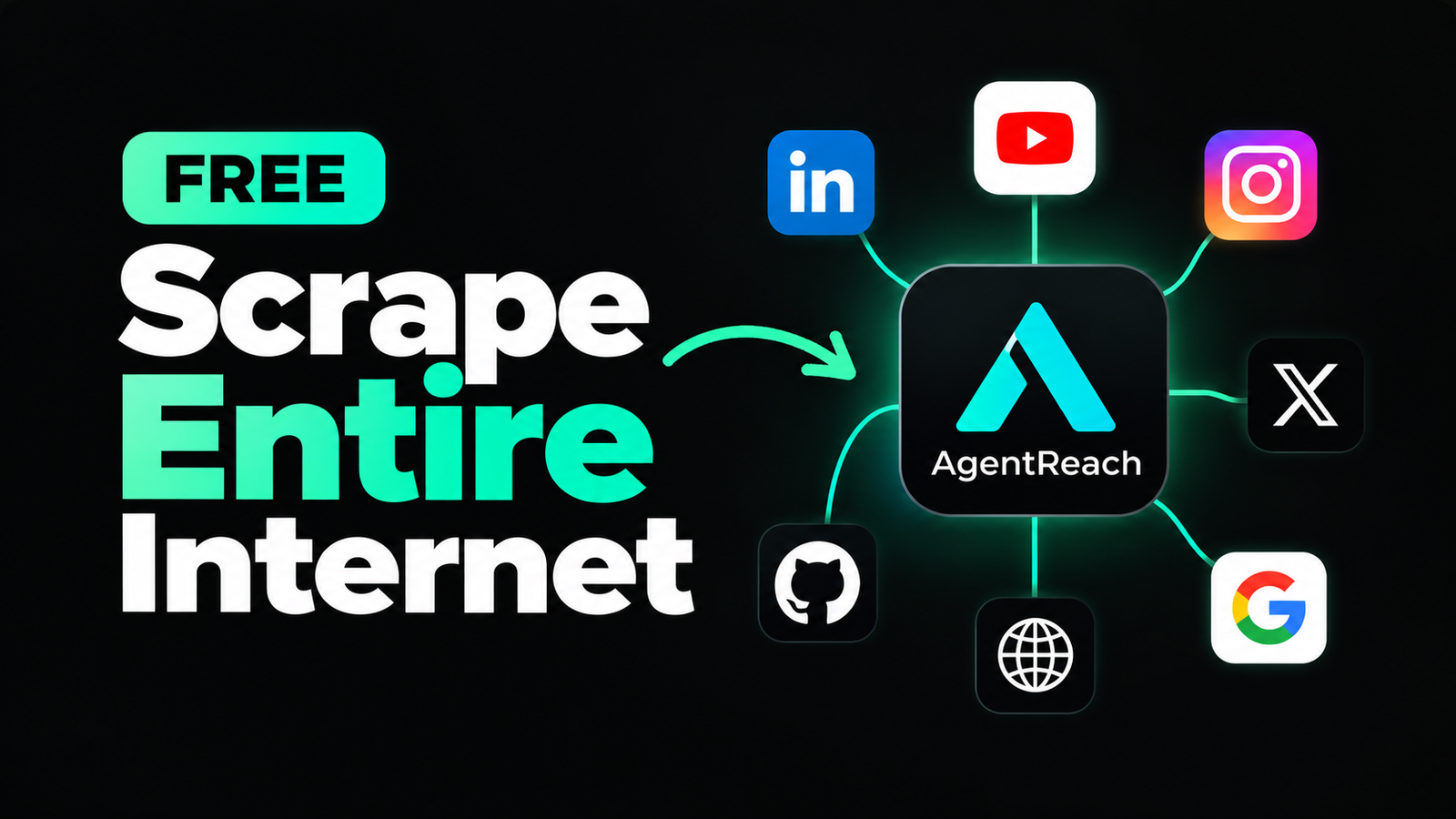
What if your AI coding agent could search the web, read GitHub repositories, analyze YouTube videos, read posts on X, and access information from several other platforms—all from your terminal?
That is what Agent Reach is designed to do.
What Is Agent Reach?
Agent Reach is an open-source command-line tool that gives AI agents access to different parts of the internet through existing tools and services.
The project is designed to work with AI agents such as Claude Code, Cursor, Windsurf, OpenClaw and Codex CLI. The GitHub repository has already crossed 87,000 stars, making it one of the fastest-growing open-source AI-agent tools.
What Can It Do?
Agent Reach connects an AI agent with different sources across the internet.
Depending on the platform and configuration, it can help an agent:
- Search and read web pages
- Search and read GitHub repositories
- Extract YouTube video information and subtitles
- Read and search X/Twitter
- Search Reddit
- Access RSS feeds
- Work with Bilibili and other supported platforms
- Access LinkedIn and Instagram through supported browser/session-based methods
The important part is that you don’t have to manually configure every individual tool from scratch. Agent Reach installs and configures many of the underlying tools for you.
How to Install Agent Reach
If you’re using a terminal on your computer, the basic installation is:
pip install https://github.com/Panniantong/agent-reach/archive/main.zip
agent-reach install --env=auto
The automatic setup detects your environment and configures the required dependencies. After installation, you can check whether everything is working with:
agent-reach doctorThe official documentation also provides a safe installation mode that does not automatically change system dependencies:
agent-reach install --env=auto --safeUsing It With Claude Code
Agent Reach can also be installed as a skill for Claude Code and other AI agents that support skills:
npx skills add Panniantong/Agent-Reach@agent-reachOnce installed, the agent can read its instructions and use the appropriate tools when you ask it to search or analyze information.
Try These Commands
After installation, Agent Reach uses different tools for different platforms.
For example:
# Search X/Twitter
bird search "AI startups" --json

# Get YouTube information
yt-dlp --dump-json "YOUTUBE_URL"

# Search GitHub
gh search repos "LLM framework"

# Read a web page
curl -s "https://r.jina.ai/URL"
These are examples of the underlying tools Agent Reach can configure and use.
Why Is It Interesting?
The bigger idea behind Agent Reach is not simply scraping websites. It gives AI agents access to information sources that they normally cannot interact with directly.
Instead of manually opening ten websites and collecting information, you can give an AI agent access to the relevant tools and ask it to perform the research for you.
For developers, researchers and content creators, that can turn an AI coding agent into a much more capable research assistant.
Github repo link for Agent Reach
Bottom Line
Agent Reach is an interesting open-source project for anyone who wants their AI agent to work with real internet data.
It supports multiple platforms through different open-source tools, can be installed with a few commands, and has already attracted more than 87,000 GitHub stars.
Just remember that platform access is not unlimited or guaranteed. Some sources require authentication, cookies, or additional configuration, and users should follow the terms and policies of the platforms they access.
One thought on “Turn Your AI Agent Into an Internet-Powered Researcher: Agent Reach setup full guide”