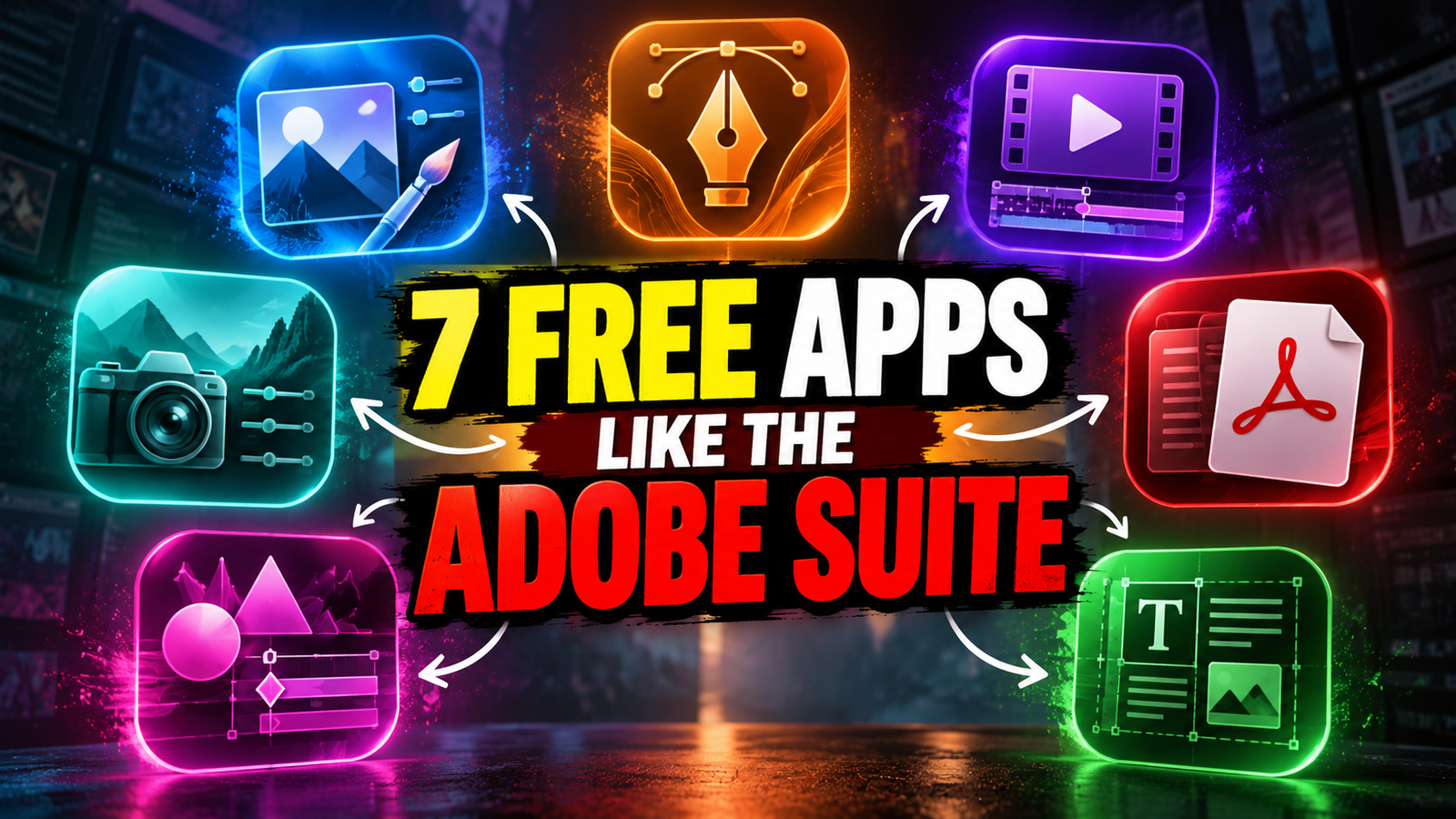
What if you could replace Photoshop, Illustrator, Premiere Pro and four other Adobe apps with a collection of open-source alternatives? ArtCraft is building exactly that, with seven creative applications written in Rust.
Adobe Creative Cloud has become a standard toolkit for designers, video editors, photographers and content creators. But its subscription costs can be a challenge for students, freelancers and independent creators.
Now, a project called ArtCraft is developing seven open-source creative applications designed around familiar professional workflows. The lineup covers image editing, vector graphics, video editing, photography, PDFs, motion graphics and page layout. The project says its apps are built in Rust and designed to run natively rather than relying on Electron or embedded web views.
What Is ArtCraft?
ArtCraft’s Crafting Apps project aims to bring several creative tools together under one open-source ecosystem. Instead of paying for a collection of proprietary applications, users can explore individual apps, inspect their source code and contribute to their development.
The seven applications are intended to cover workflows similar to those handled by major Adobe products. However, they are not all finished replacements yet. PhotoCraft and PdfCraft are listed in early alpha, while several other apps remain in development.
The 7 ArtCraft Apps That Could Challenge Adobe
1. PhotoCraft — An Alternative to Photoshop
PhotoCraft is ArtCraft’s open-source image editor, intended for editing and manipulating images. It targets a workflow familiar to Photoshop users, making it relevant for designers, digital artists and content creators.
2. VectorCraft — An Alternative to Illustrator
VectorCraft focuses on vector illustration and graphics. Vector tools are commonly used to create logos, icons, illustrations and scalable design assets that remain sharp at different sizes.
3. FilmCraft — An Alternative to Premiere Pro
FilmCraft is the project’s video-editing application. It is being developed for professional-style video editing, making it relevant to YouTubers, filmmakers and video editors looking for an open-source option.
4. LightCraft — An Alternative to Lightroom
LightCraft is designed for photo organisation and RAW image development. Its intended workflow is similar to Lightroom, helping photographers manage image libraries and process photographs.
5. PdfCraft — An Alternative to Acrobat Pro
PdfCraft focuses on PDF workflows, including reading, organising, combining, splitting and securing documents. It could be useful for students, professionals and businesses that regularly work with PDFs.
6. EffectCraft — An Alternative to After Effects
EffectCraft is being developed for motion graphics and visual effects. The goal is to provide creative tools for animations, visual compositions and effects-driven content.
7. DesignCraft — An Alternative to InDesign
DesignCraft focuses on page layout and publishing. Its intended uses include arranging text and images for documents, editorial layouts and other publication-oriented designs.
What Makes ArtCraft Different?
One of ArtCraft’s biggest selling points is its open-source approach. The team says its apps are written in Rust, with source code available for people to inspect, modify and contribute to.
The project also emphasises local workflows, meaning applications can work with files on your own machine rather than requiring every creative operation to pass through a cloud service. Several apps are also designed to run in a browser through WebAssembly.
Another interesting feature is its focus on automation. ArtCraft says its apps can be controlled through command-line interfaces, JSON control channels or MCP servers, potentially allowing AI agents to interact with creative software.
That could eventually make it easier to automate repetitive tasks across image editing, document handling and other creative workflows.
Are These Apps Completely Free?
The Crafting Apps project describes its applications as free and open source. However, their development stages vary, and users should not assume every application already offers the complete feature set of its Adobe counterpart.
ArtCraft also has a separate AI creative studio that provides access to image and video generation tools. That product has its own plans and credit system, so its pricing should not be confused with the open-source Crafting Apps project.
Want to explore the seven applications yourself?
Visit the official ArtCraft Crafting Apps page: https://getartcraft.com/apps
You can also explore the main ArtCraft website at https://getartcraft.com/ and browse the project to check the current development status of each app.